
 Cognac
 Black
Black Oat
Oat Bone
Bone Brown
Brown Cafe
Cafe Mocha
Mocha Walnut
 Ruby
Ruby Wine
Wine Charcoal
 Slate
Slate Auburn
 Eggplant
 Oxblood
 Moss
Moss Burgundy
 Aubergine
 Tan
Tan Hazel
Hazel Blush
Blush Camel
Camel Red
Red Orange
 Natural
 Burnt Orange
 Poppy
Poppy Plum
Plum Rosa
Rosa White
White Grey
Grey Cobra
Cobra Denim
Denim Indigo
 Emerald
 Teal
Teal Turquoise
 Sky Blue
 Grass
Grass Green
Green Olive
Olive Yellow
 Lemon
Lemon Honey
Honey Chartreuse
 Mustard
 Lavender
 Mint
Mint Foil Burgundy
 Foil Cream
 Foil Cobra
 Foil Desert Trail
 Foil Black
 Foil Sea Glass
 Foil Turquoise
 Foil Sunflower
 Foil Brown
 Foil Chartreuse
 Foil Red
 Foil Berry
 Foil Purple
 Foil Steel
 Foil Teal
 Hair On Black
 Hair On Brown
Work Bag Essentials: What to Pack for the Office
Monday, 7:40 a.m. The tote is open on the counter and you're running the mental inventory: laptop, charger, notebook from Friday's meeting, something for lunch. Whether your commute is a train platform or a parking garage, the bag has to be packed right.
Below is the complete work bag essentials checklist, then the parts most packing guides skip: how much a bag should hold, how to organize it, and which style suits your commute. We build leather laptop bags and cases for exactly this routine, so consider this field-tested.

The Work Bag Essentials Checklist
Here's the full list, grouped the way you'll pack it. A realistic daily carry runs about 15 to 20 items once you count the small stuff.
-
Tech: Laptop and charger, power bank or portable charger, noise-cancelling earbuds or headphones, a cable pouch with a spare charging cable and multi-port adapter
-
Organization and paper: Notebook and pen, planner, a slim folder if you handle documents, business cards
-
Everyday carry: Wallet, keys on a key clip, ID badge, transit card or parking pass, phone
-
Personal care: Lip balm, hand cream, hand sanitizer and tissues, breath mints, pain reliever, hair ties, a stain removal pen, deodorant
-
Food, water, and weather: A reusable water bottle (insulated and leak-proof), snacks like a protein bar, nuts, or trail mix, a compact umbrella
Two variables change this list. A transit commute earns the umbrella and power bank, while a car commute can shed both. And if your office gives you a desk drawer or locker, half the personal-care kit can live there instead of riding on your shoulder.
Tech You Actually Carry Daily
The laptop and charger anchor everything. A 13-inch ultrabook slips into almost any work tote, while a 16-inch work-issued machine decides your bag size before anything else goes in.
Loose cords wear on a bag's lining and tangle around everything else. A zip pouch from our laptop and tech leather collection keeps the dongle, USB drive, and spare cable in one findable place.
Headphone cases hide more bulk than people expect. An over-ear case takes as much room as a lunch container; in-ear buds disappear into a slip pocket. A mouse, external drive, or security key comes along only if your job requires it. Tech is heavy and rigid, and it sets every other packing decision.
Protecting a Laptop Inside a Bag
A padded laptop sleeve or a dedicated padded compartment prevents most screen and corner damage. Position matters too: the laptop should sit against the back panel of the bag, closest to your body, where it rides flat and takes less impact than it would against the outer face.

Structure does the rest. A soft nylon tote lets the laptop slump into your water bottle and keys, while structured leather holds its shape and keeps contents where you put them.
The Laptop Leather Tote builds the padded compartment in, because a loose sleeve inside an open tote is a compromise most people accept without noticing the wear it causes.
How Much a Work Bag Should Hold
Capacity in concrete terms: your laptop's footprint, a notebook or folder, a water bottle, a lunch container, and a pouch of personal items. That's the practical minimum, and it's roughly what a mid-size work tote or medium messenger holds. If you still handle paper, check that letter or A4 documents lie flat.
Weight is a separate constraint from volume. A bag can fit everything and still be unwearable at 12 pounds. Budget it roughly: two to three pounds for the empty bag, four to five for laptop and charger, one to two for a full water bottle. What’s left for everything else goes fast.
Pack the heaviest items closest to your body and keep the load even. A one-sided, front-loaded bag is what makes a shoulder ache by Thursday.
Oversizing backfires, too. A bigger bag invites more stuff, the load creeps up, and the strain compounds. Buy for what Tuesday requires.
Signs a Bag Is the Wrong Size
Audit what you already own against these:
-
Zipper strain, or a shape that bulges and distorts when packed
-
Items stacked on top of the laptop because there's nowhere else for them
-
Unpacking half the bag to find your keys
-
Contents sliding and shifting around, the tell of a bag that’s too large
If two of these sound familiar, the bag doesn't match your actual carry.
Organization: Pouches, Pockets, and Zones
Give every item a fixed home and the digging stops. Zone the bag instead of filling it: daily-access holds phone, transit card, keys, and lip balm in an exterior or slip pocket. The work zone holds laptop, notebook, and pens. The backup zone holds the charger, medicine, and a snack, zipped away until needed.
Pouches beat built-in pockets when they group like items that move between bags, the tech pouch and cosmetic pouch being the classic cases. They add redundant bulk when the bag already has the right pockets. Slip pockets, zippered pockets, a key leash, and a bottle sleeve each reduce clutter; a single unstructured cavity forces pouch dependence.
This also settles the one-bag-or-two question. One structured tote with real compartments plus one small pouch replaces the purse-and-work-bag double carry. Our work totes and messenger styles are cut with interior slip and zip pockets for that reason, so organization is built in, not added on.
Personal Care and Contingency Items
The mini kit: pain reliever, adhesive bandages, antacid, hand sanitizer, wipes, mints, and floss in one small zip pouch. Appearance backup: lip balm for dry office air, hand cream, deodorant, a stain removal pen for the coffee spill, a spare hair tie, and period products if you need them.
Contingency items that pay for their weight: a backup charging cable, a small cash reserve, and a folded tote for unplanned errands. Then the editing rule: anything unused for a month is dead weight, and it goes. The usual cuts are duplicate cables, old receipts, a second full makeup kit, and the crumbling snack at the bottom.
Nurses, teachers, and anyone pumping at work carry a specialized list on top of this one. Treat this as the base layer.
Food, Water, and Spill Risk
Choose an insulated, leak-proof reusable water bottle, then place it where a leak can't reach the laptop: an exterior bottle sleeve, or standing upright in a dedicated pocket. Never lay a bottle flat against electronics.
Lunch containers belong in the work bag only when the weight budget allows. On heavy-carry days, a separate lunch bag saves your shoulder and your bag’s shape. Pick snacks that survive the bottom of a bag: nuts and trail mix do, a foil-wrapped protein bar does, a banana does not.
Tote, Backpack, Messenger, Briefcase, or Convertible
Compare the five styles on weight distribution, laptop access speed, professional appearance, and capacity ceiling:

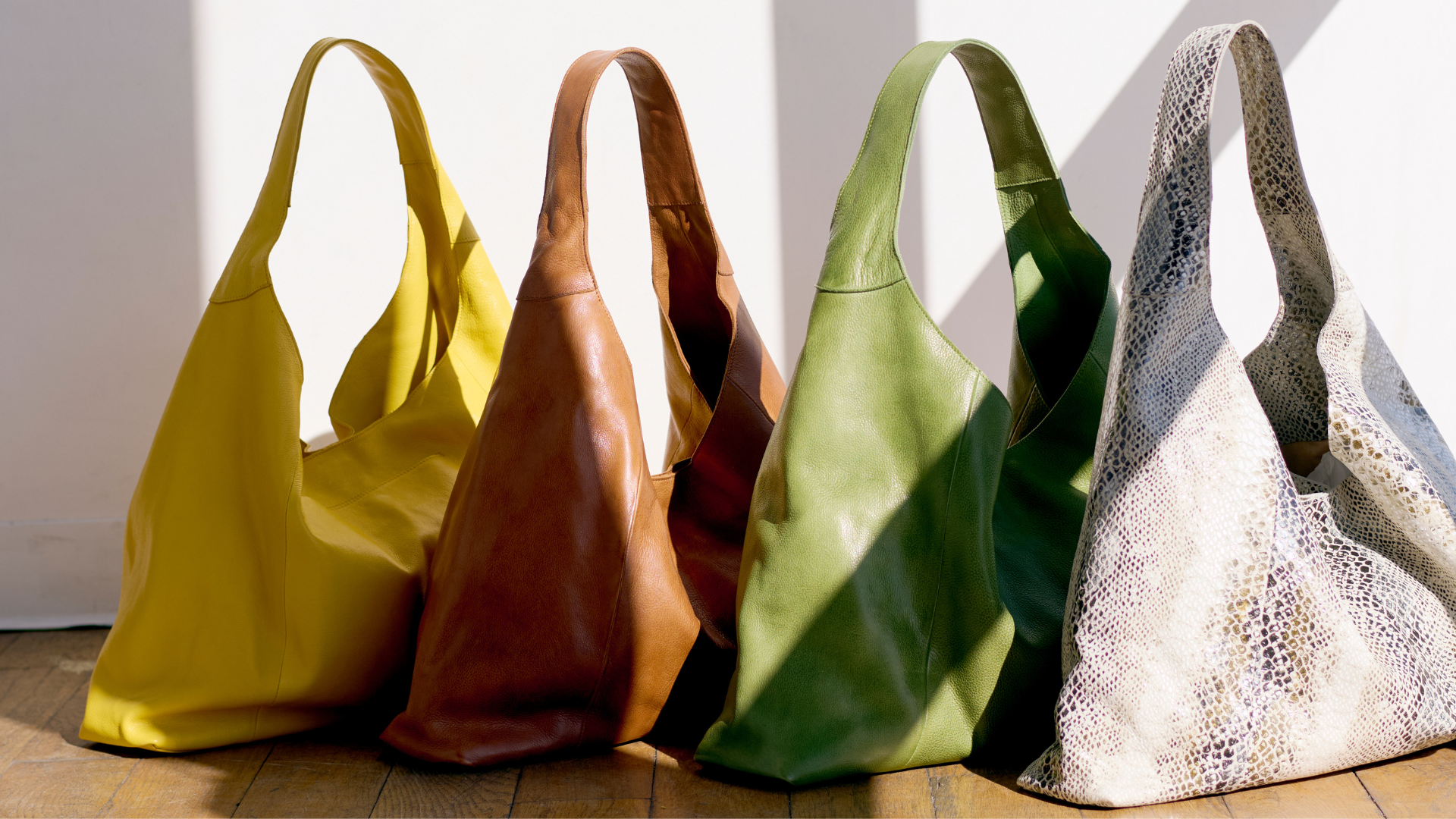
1. Work Tote
Fastest access and professional in almost any office, with one-shoulder carry as the trade-off. Our tote collection covers the category, and How to Choose a Tote Bag for Work walks through size, structure, and material in depth, so we'll leave the choosing to that guide.
A shopping tote and a laptop tote bag are different animals, and structure plus a padded compartment are the difference.

2. Work Backpack
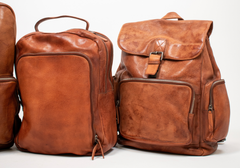
Distributes weight best, which makes it the pick for long or walking commutes and heavy loads, though it reads casual in conservative offices.
Our leather backpacks cover that commute, with the Explorer Laptop Backpack as the laptop-specific pick.
3. Messenger or Crossbody
A leather messenger bag opens without coming off your shoulder, carries a moderate load hands-free, and splits the difference on formality. Within our messenger bags, the Yosemite Laptop Messenger in medium fits a 13-inch machine, and the large steps up for a 16-inch. Check out our guide to choosing a crossbody bag for work for more guidance.
4. Briefcase
The formal end of the range with the lowest capacity, built for document-forward roles. The Soho Laptop Brief is that answer in full-grain leather. The same question exists for men, and our messengers, briefs, and duffels cover the men’s work bag conversation without needing a separate list.
5. Convertible
Promises every mode at once, so be honest about the build cost: extra straps and hardware add weight, and the second carry mode is usually just serviceable. Buy a convertible for the mode you'll use most of the week.
Matching the Bag to the Commute
Standing on a train, you want hands-free and zipped. Seated or driving, an open tote on the passenger seat works fine. Walking distance and stairs push toward a backpack, and multi-stop days reward quick access.
Weather exposure decides the closure. A garage-to-desk commute suits an open tote, while rain and transit call for a covered top or zip closure. And if you fly even monthly, check that the bag works as a personal item and slides over a suitcase handle.
Materials and Construction That Survive Daily Use
A work bag carries 10-plus pounds five days a week, so material is a durability question before it’s an aesthetic one.
Full-grain leather is the top, strongest layer of the hide with the natural grain intact, which is why it resists wear and ages into a richer patina rather than cracking. Top-grain runs close behind. Bonded leather peels under strap load, coated canvas scuffs at the corners, and nylon holds up without ever improving. Full-grain gets softer and better looking with every commute.
Inspect four stress points before buying: strap attachments, base corners, zipper pulls, and the stitching at handle joins. Zipper quality matters more than logo-stamped hardware; a YKK-grade zipper outlasts the flashiest plating. Structure works the same way. A bag that holds its shape protects the laptop and still looks sharp after a year, while slouch is comfort now and sag later.
Our own construction follows that checklist: full-grain hides selected for strap load, reinforced stitching at the joins, and linings meant to take a daily loadout. That’s what built for load means in practice.
Maintaining a Bag That Gets Used Daily
A weekly reset does most of the work. Empty the bag fully, shake out the debris, check for pen marks or liquid residue, and restock the pouches. It’s the moment dead weight gets cut and devices go on the charger. Pack the night before, and the 7:40 scramble disappears.
Leather asks for a little more, and it’s simple. Condition on the cadence our leather conditioner guide lays out, keep the bag away from radiators and direct heat, and store it upright and loosely filled rather than hung by a strap, which distorts the shape over time.
Premature failure comes down to habit: overloading past the design load, dragging the base across floors and trunks, and storing the bag packed. All three are free to fix.
The Short List That Gets You Out the Door
The essentials run shorter than the overstuffed tote suggests: tech, paper, everyday carry, personal care, food and water, and a couple of contingencies. Give each a zone, respect the weight budget, and audit weekly for dead weight.
Then let the bag do its part. Structure protects the laptop, real pockets end the digging, and full-grain leather turns five-day-a-week wear into patina. Pack it the night before, and Monday takes care of itself.